
Pipeline Stages
Candidate Workspace
Team Collaboration
No Extra Cost

Other Interesting Features
Pipeline
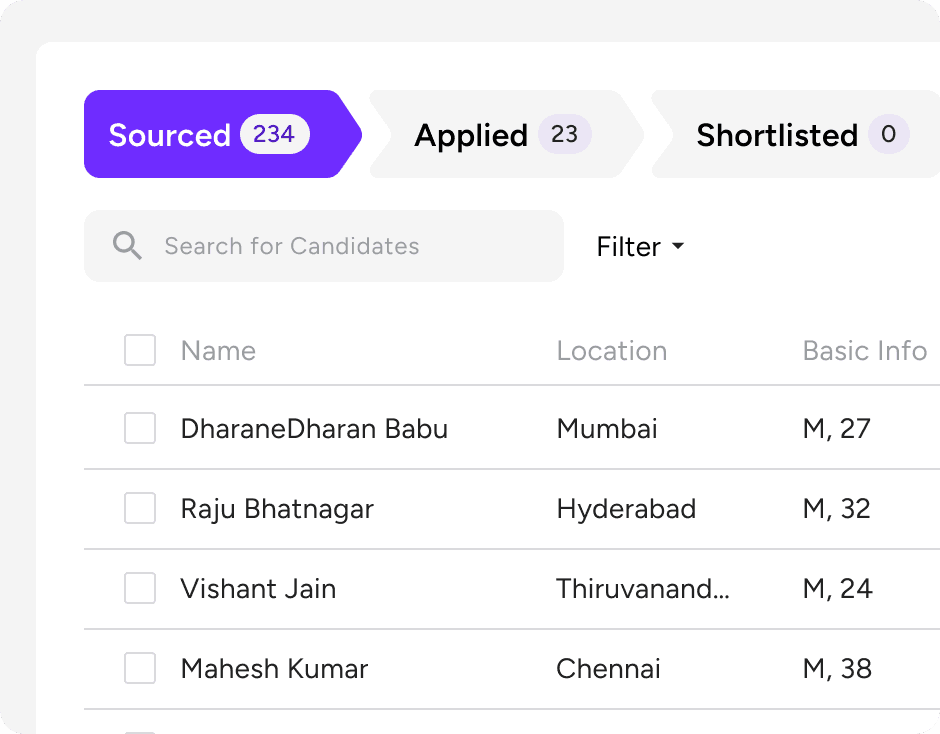
Drag-and-Drop Pipeline
Move candidates between stages with a single drag. Update status, add notes and trigger next steps without leaving the pipeline view.
Role-Level Visibility
Every open role has its own pipeline view — see candidate count, stage distribution and team activity at a glance across all roles simultaneously.

Candidate Workspace
Gia's Assessment Notes
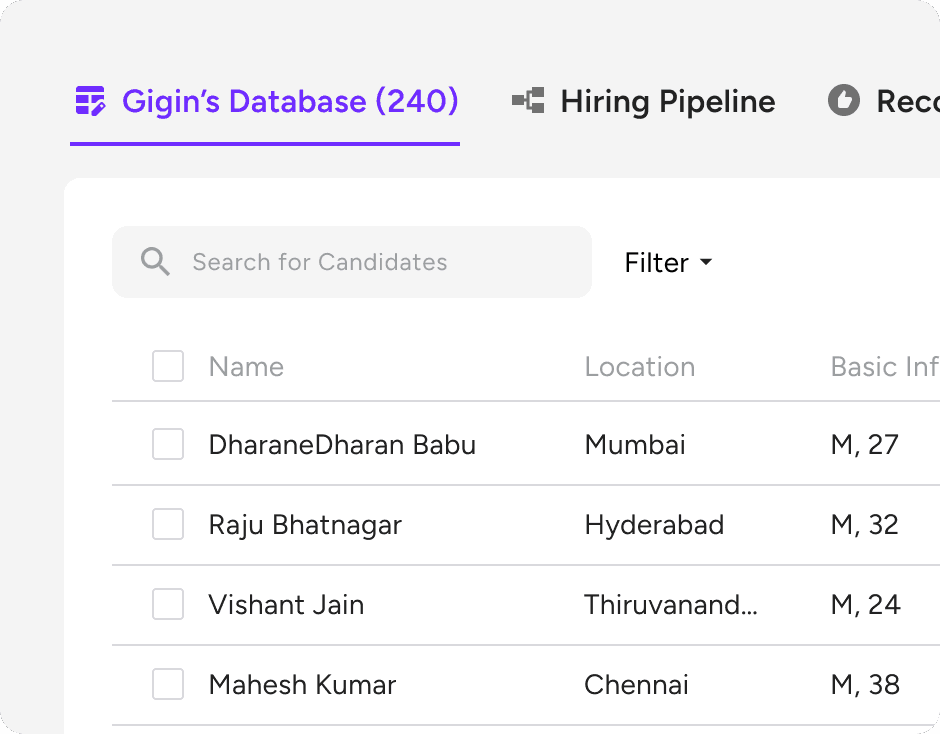
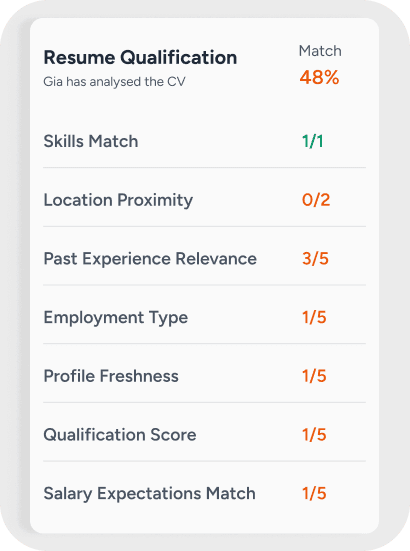
Every candidate profile shows Gia's full assessment — call transcript, scoring rationale, strengths and flags — so the recruiter picks up where Gia left off.
Full Engagement Timeline
See every touchpoint — when Gia called, what was said, what the candidate replied, whether they opened the email — before you ever pick up the phone.
CV & Document Store
Original CV, parsed profile, submitted documents and verification results — stored against the candidate record permanently and searchable at any time.
Hiring Manager View
Hiring managers see only what's relevant to them — their roles, their candidates, their decisions — without drowning in the full recruiter view.
No Extra Cost
Plug Into Your Stack
If you want to keep an existing ATS as your system of record, Gigin feeds into it. If you don't, Gigin's native ATS handles everything — your choice.
Zero Setup Time
The ATS is live the moment you sign up. No configuration, no IT project, no migration. Your first role is running in Gigin on day one.

How It Works
One platform from brief to hired — ATS included
Gia runs the sourcing and screening. The native ATS tracks everything that follows. No switching between tools — one place from the moment a role opens to the moment an offer is accepted.


Shortlist Lands in Your ATS
Gia's ranked shortlist appears directly in your pipeline. Each candidate shows their score, call notes and stage — ready for your review.

Recruiter Takes Over
You review, add your notes, move candidates through stages and loop in the hiring manager — all without leaving Gigin.

Offer & Close
Mark the role as filled, send the offer, archive the pipeline — the full hiring record stays in Gigin for reporting and future reference.
FAQs